
Ective | September 28, 2026
A supplier invoice can be read correctly and still be wrong for the business. The invoice number may already exist. The vendor may not be approved. The PO may be closed, the currency may not match the entity, or the total may fail a three-way match. Document validation software addresses this gap between recognizing text on a page and delivering data that a downstream process can trust.
For finance, operations, and shared-services teams, that distinction determines whether automation reduces work or simply moves exceptions further downstream. OCR alone turns pixels into characters. Intelligent extraction identifies likely fields. Validation decides whether those fields are usable, complete, and compliant with business rules.
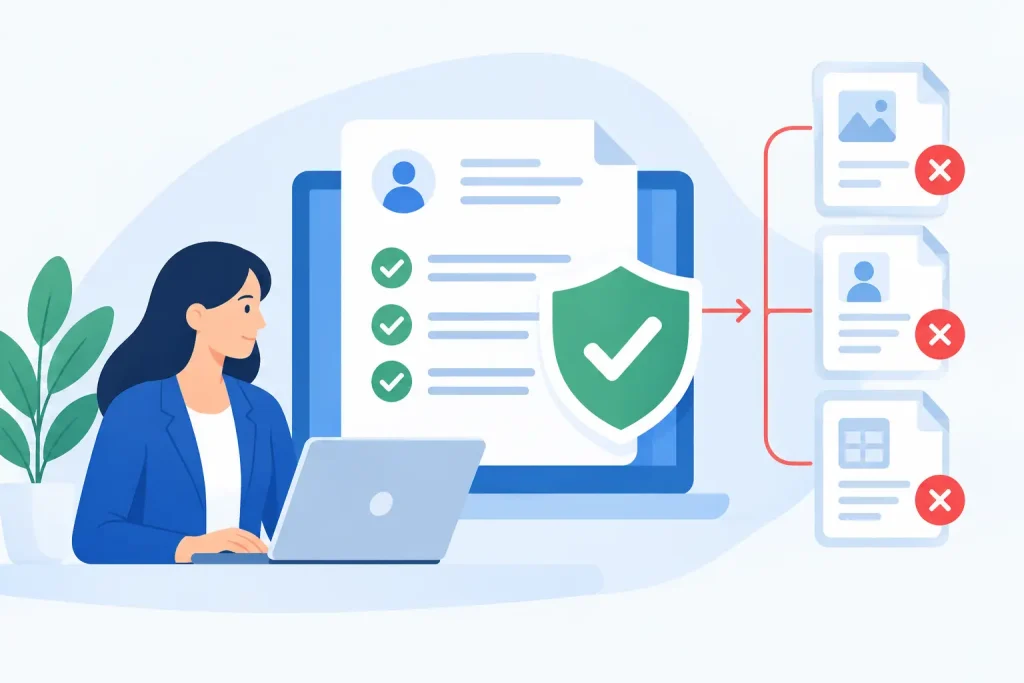
Document validation software captures information from business documents, checks that information against defined controls, and routes only the exceptions that require a person’s decision. It is designed for documents that arrive in varied layouts and formats, including invoices, purchase orders, bills of lading, claims, applications, forms, remittances, and customer correspondence.
The first layer is document understanding. The platform applies OCR and AI to locate and interpret values such as supplier name, invoice number, date, line items, tax, totals, account numbers, and payment terms. A capable system must handle documents with different templates, multiple languages, low-quality scans, tables, and handwritten content without forcing every new layout into a separate model-training project.
The second layer is validation. Rather than passing extracted values directly to SAP, Salesforce, ServiceNow, or an automation workflow, the software tests them against trusted sources and business logic. That can include verifying that a vendor exists in master data, matching a PO number, checking whether an invoice date is valid, confirming arithmetic, or flagging a duplicate invoice before it reaches payment processing.
The output is not merely extracted text. It is process-ready data with a clear status: accepted, corrected, rejected, or waiting for review.
A recognition score can look impressive while hiding an operational problem. Consider an invoice where the system extracts a valid-looking number in the invoice-number field but selects the customer reference instead. OCR may be highly confident. The result is still incorrect, and a duplicate-payment control may fail.
Business validation adds context that a document image cannot provide on its own. It can ask whether the supplier is authorized, whether the purchase order is open, whether the total equals the sum of line items plus tax, and whether a cost center is permitted for the legal entity. These are business questions, not image-recognition questions.
This is why the best implementation is not based on a single accuracy metric. Teams should measure straight-through processing, exception rate, correction effort, duplicate prevention, processing time, and the quality of data entering core systems. A lower-confidence value that is checked against master data may be safer than a high-confidence value accepted without controls.
The right rules depend on the document type and process risk. An AP workflow needs different checks than a customer onboarding workflow, but several control patterns appear repeatedly.
Master data is often the fastest route from plausible extraction to dependable processing. Supplier names can be matched to approved vendor records, even when the document uses abbreviations or minor spelling differences. Customer IDs, product codes, GL accounts, bank details, and locations can be verified against authoritative data before the record moves forward.
Matching should not be treated as an all-or-nothing exercise. Exact matching is useful for controlled identifiers, while configurable similarity matching can help with names and addresses. The key is to define when a close match can pass automatically and when it must be reviewed. Bank-account changes, for example, deserve stricter handling than a variation in a supplier display name.
Basic rules prevent avoidable failures. Dates should conform to accepted formats and fall within a reasonable range. Currency codes, tax IDs, account numbers, and invoice numbers should match expected patterns. Required fields should be present before export.
Arithmetic validation is equally valuable for invoices, expense claims, and order documents. The system can verify that line extensions, discounts, freight, tax, and totals reconcile. When documents contain decimals, currencies, and regional number formats, the rules must interpret values correctly rather than treating every comma or period as the same separator.
The most valuable checks usually connect a document to the transaction around it. An invoice can be checked against a purchase order, goods receipt, contract, or prior invoice. A claim can be compared against policy limits. An onboarding form can be checked for mandatory disclosures and existing customer records.
These controls should reflect how the process really works. Some organizations permit invoices without POs for specific categories. Some use tolerance bands for price or quantity variances. Others require dual approval for certain amounts or entities. Good document validation software supports those exceptions through configuration, not custom code every time a policy changes.
Manual review is not a failure. Reviewing every document is. The goal is to send reviewers a focused queue containing only the records that are uncertain, incomplete, or noncompliant.
A reviewer should see the extracted field, the source document, the validation result, and the reason for the exception in one workspace. If a supplier name fails to match, the reviewer needs the candidate master-data records. If totals do not reconcile, they need the source values and calculation. This removes the usual cycle of downloading files, searching systems, and rekeying information across screens.
Access rights matter here. Finance reviewers may need to resolve invoice exceptions, while procurement owns PO mismatches and IT administers integrations. Separate roles preserve control without creating an IT bottleneck for every business-rule adjustment.
EctiveXtract follows this operating model by combining OCR, Azure OpenAI-based document understanding, master-data connections, and configurable business-rule verification in a workflow that business teams can set up through natural-language prompts.
Buyers should test the platform with their actual documents, master data, and exceptions, not a clean sample set selected for a sales demonstration. Include multiple suppliers, older scans, multilingual records, line-item tables, handwritten fields, and the document variations that currently consume the most labor.
Ask direct implementation questions. Can a business user configure fields and rules without training a model? How quickly can a new document type reach production? Can the platform validate against SAP, ERP data, CRM records, or internal APIs? Does it provide a review portal and audit trail? Can accepted data move into Microsoft Power Platform, UiPath, Blue Prism, ServiceNow, or an existing workflow without a fragile handoff?
Security and deployment architecture also deserve scrutiny. Organizations handling financial, health, legal, or customer data may require managed Azure hosting, hybrid operation, or customer-controlled on-premise storage. The right choice depends on regulatory requirements, existing cloud architecture, latency expectations, and the systems the platform must access. A cloud-first option may speed deployment, while a hybrid design may be necessary when sensitive master data cannot leave a controlled environment.
Finally, look beyond claims of AI capability. Request measurable commitments around day-one accuracy, deployment time, pricing, support for exceptions, and how the vendor handles changing layouts. A platform that needs months of labeling and specialist tuning may fit a highly specialized use case. For most operational document processes, speed to a governed, usable workflow matters more.
The strongest first use case is not always the process with the highest document volume. Choose one where manual work is expensive, data quality has visible consequences, and the validation logic is understood. AP invoice intake, vendor onboarding, claims processing, and order confirmation are common starting points because the rules and downstream outcomes are concrete.
Define what a successful result means before configuration begins. It may be a target straight-through processing rate, fewer duplicate invoices, a faster close cycle, or a reduction in review touches per document. Then establish the exception categories, master-data sources, approval owners, and export destination.
Once the workflow is live, use exception data to improve the process itself. Repeated PO mismatches may reveal a procurement issue. Frequent missing tax data may point to supplier onboarding gaps. Validation software should do more than catch bad data at the door. It should give the business a clearer view of why bad data keeps arriving, so the next document has a better chance of passing the first time.