
Ective | September 25, 2026
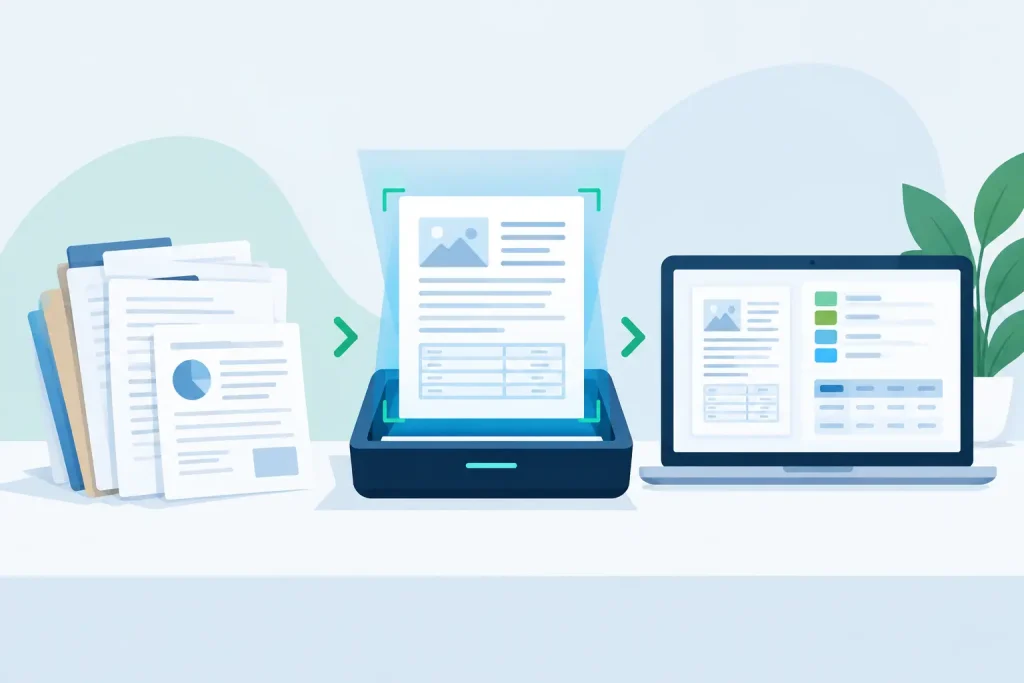
A remittance advice arrives as a low-resolution PDF. An invoice includes a new supplier layout. A bill of lading is partly handwritten. Your current capture process reads some text, misses key fields, and sends the exception back to a person who must compare every value against the document. That is the gap enterprise OCR tools must close: not simply reading characters, but producing data that a business process can safely use.
For accounts payable, shared services, operations, and automation teams, text recognition alone is not the outcome. The outcome is a validated supplier ID, invoice date, line-item amount, customer reference, or shipment number delivered to SAP, Salesforce, ServiceNow, a workflow, or an API without creating downstream rework.
Basic OCR converts an image into machine-readable text. That capability matters, but it is only the first stage of document processing. A business document does not arrive as a clean block of text. It contains tables, labels, totals, stamps, checkboxes, handwriting, multiple languages, and layout-specific meaning.
An enterprise-grade platform needs to determine that “Total Due” is the payable amount rather than a subtotal, that “12/03/2026” follows the expected date convention, and that a supplier name matches an approved vendor record despite a spelling variation. It must also recognize when it does not have enough confidence to proceed automatically.
That distinction changes the buying conversation. The question is not, “How accurate is the OCR engine?” It is, “How often can this workflow produce correct, governed, process-ready data without manual intervention?”
A useful document pipeline usually includes five connected capabilities:
Remove any one of these layers and the burden tends to move elsewhere. A strong OCR engine without validation can create confident-looking errors. A sophisticated extraction model without integration can leave teams exporting spreadsheets. A highly accurate pilot without exception controls can fail when document volume increases.
A field-level accuracy percentage can be useful, but it needs context. Was it measured against the document types you receive every day? Did it include supplier layouts not seen during setup? Were tables, handwritten notes, and low-quality scans included? Most importantly, did the number reflect data after validation or raw extraction before business controls were applied?
Consider an invoice workflow. Reading “1,250.00” correctly is not enough if the invoice has already been processed, the purchase order is closed, or the vendor is not approved. Those are business decisions, not character-recognition problems. Yet they determine whether automation is safe.
The most effective platforms combine recognition with controls such as master-data matching, duplicate detection, calculated total checks, mandatory-field rules, and tolerances. If the subtotal plus tax does not equal the total, the document should be flagged. If an extracted customer account number does not exist in the CRM, it should not quietly enter the next process step.
This is where straight-through processing becomes credible. The goal is not to eliminate every human review. The goal is to reserve human attention for the documents that genuinely need a decision, while routine documents move through with evidence, rules, and traceability.
A pilot should test production conditions, not a carefully selected sample set. Include the documents that currently cause delays: rotated scans, fax-quality images, legacy forms, unfamiliar supplier formats, foreign-language records, multipage packages, and documents with handwritten entries.
Start by defining the process measure that matters. It may be touchless invoice rate, average exception handling time, first-pass data quality, days to deploy a new document type, or the cost per processed document. A project built around generic accuracy often produces a generic result. A project built around an operational bottleneck gives teams a clear decision standard.
Ask vendors to demonstrate more than extraction. A meaningful test starts with an incoming file and ends with data delivered to a target workflow, ERP, CRM, or automation platform. Along the way, examine how document classification works, how users correct exceptions, how rules are configured, and how those corrections are recorded.
The integration question is practical. Can the platform hand validated data to Microsoft Power Platform, UiPath, Blue Prism, SAP, Salesforce, ServiceNow, or a custom API? Can it return document images, confidence indicators, and exception status with the data? A handoff that forces an automation team to rebuild logic elsewhere adds cost and weakens governance.
Traditional intelligent document processing projects can require data labeling, model training, specialist resources, and repeated tuning cycles. That approach can make sense for highly specialized use cases with unusual requirements. But it is often excessive for operational documents that need fast, controlled deployment.
Prompt-based configuration changes the model. Business users can describe what to identify, define the output fields, and add validation logic in language aligned with the process. This reduces dependency on scarce technical teams and makes it easier to adapt when a supplier changes an invoice layout or a new document category enters the workflow.
Speed should not mean weak controls. Evaluate whether configuration supports field rules, access rights, approval paths, version control, test documents, and reporting. Faster deployment is valuable only when the resulting workflow can be managed responsibly.
Document automation frequently involves financial data, personal information, contracts, health records, or operationally sensitive material. Hosting and data-control requirements should be addressed before a pilot becomes a production blocker.
Some organizations need managed cloud hosting for rapid adoption. Others require a hybrid model, customer-controlled on-premises storage, or strict limits on where documents and extracted data can reside. The right choice depends on internal policy, regulatory obligations, existing Azure architecture, and the sensitivity of the document set.
Also ask how access is controlled, how documents are retained or deleted, what audit information is available, and how the solution separates environments for testing and production. Security is not a checklist item after extraction works. It is part of whether the workflow is deployable at all.
The most common failure is treating every document as equally automatable. Some documents are clean and repetitive. Others carry ambiguity that requires policy interpretation or an authorized business decision. Forcing full automation on the latter can increase risk rather than reduce effort.
Another problem is routing every low-confidence field to manual review without improving the review experience. Reviewers need the extracted value, the source location, the relevant master-data options, and a clear reason for the exception. Otherwise, the platform becomes another screen for rekeying.
Organizations also lose value when they measure only deployment speed. A workflow can be live quickly and still deliver weak results if rules, exception queues, ownership, and reporting are undefined. Production readiness means deciding who owns rule changes, who monitors exception patterns, and what happens when source documents change.
The right approach is to automate in layers. Begin with document types that have clear rules and meaningful volume. Establish measurable quality and exception baselines. Then expand to adjacent workflows using the same validation, integration, and governance patterns.
The strongest enterprise OCR tools turn unstructured documents into a controlled operational input. They extract what matters, validate it against business context, expose exceptions clearly, and deliver approved data to the next system without requiring a long custom build.
EctiveXtract is designed around that standard: business users configure extraction workflows through natural-language prompts, then apply AI understanding, master-data matching, and business-rule verification before data moves onward. The objective is practical – high-quality extraction that can be deployed in hours rather than held up by extended training projects.
When evaluating options, ask one decisive question: can this platform turn tomorrow morning’s incoming documents into data your teams can trust by tomorrow afternoon? The answer should be demonstrated with your real documents, your validation rules, and your destination systems.