
Ective | September 25, 2026
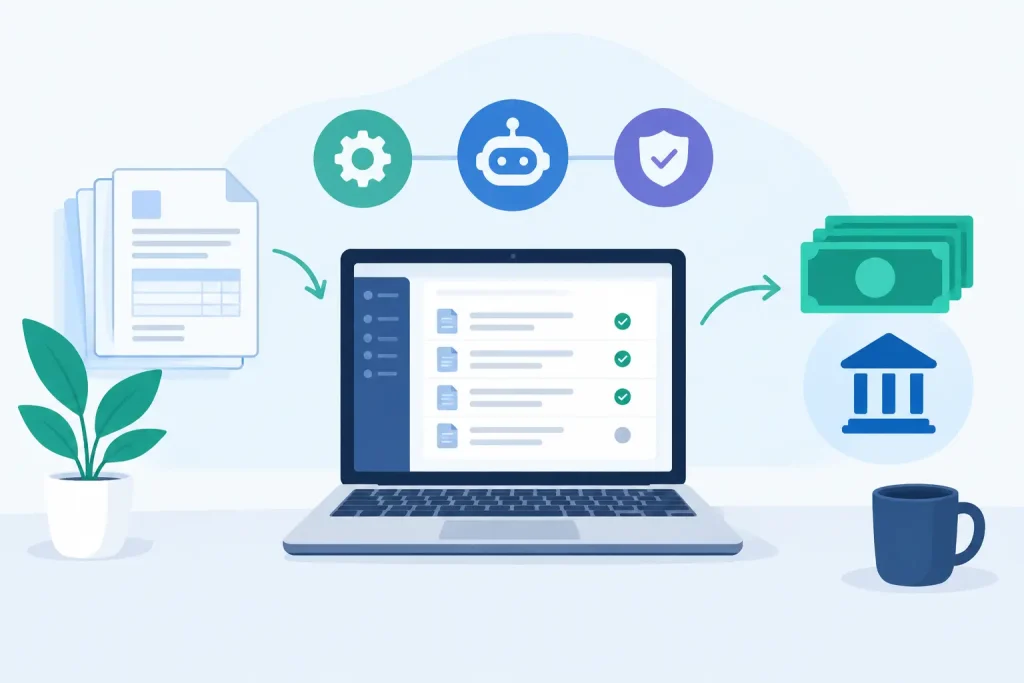
An invoice arrives as a scanned PDF, a supplier changes its banking details, and a month-end approver is out of office. That is where accounts payable automation succeeds or fails. The top accounts payable automation tools do more than route invoices for approval. They must turn inconsistent documents into validated data, apply the right controls, and move approved transactions into the finance systems teams already rely on.
For enterprise and mid-market finance teams, the best choice is rarely the platform with the longest feature list. It is the one that removes the most manual work without creating a new implementation burden, exception queue, or security concern.
AP automation covers several connected jobs: invoice intake, data extraction, coding, matching, approval routing, payment execution, supplier communication, and audit reporting. Some products handle nearly all of them. Others specialize in one part of the process and connect to an ERP, payment network, or document intelligence layer.
That distinction matters. A payment-focused platform may make supplier payments easier but offer limited control over complex invoice capture. An ERP-native workflow may preserve financial governance but require more configuration before it can process varied supplier documents effectively. A document intelligence platform can improve recognition and validation upstream, while leaving approvals and posting inside the established ERP.
The right evaluation starts with the invoices that cause the most friction, not the average invoice. Consider multilingual invoices, emailed PDFs, poor scans, line-item-heavy bills, recurring exceptions, non-PO invoices, and documents that must be checked against vendor master data. If a tool only performs well on clean, standard invoices, its automation rate will fall quickly in production.
Platforms such as Coupa, SAP Ariba, and Oracle Fusion Cloud Procurement are designed for organizations that want broad control across purchasing, invoicing, compliance, and supplier management. They are strong candidates when AP is part of a larger source-to-pay transformation and the organization can support a structured rollout.
Their advantage is process depth. Purchase orders, receiving, approvals, spend controls, and supplier records can operate within a coordinated framework. The trade-off is that implementation scope, configuration effort, and change management can be significant. These suites are often the right fit for global enterprises with mature procurement functions, but they may be more platform than a focused AP team needs.
Tipalti, BILL, AvidXchange, and similar platforms concentrate on invoice workflows, supplier onboarding, payments, and tax or compliance requirements. They are often attractive to finance teams that need faster operational improvement without replacing core financial systems.
This category is particularly useful when payment execution is a major bottleneck. Strong supplier portals, payment options, approval controls, and reconciliation support can reduce pressure on AP staff. Fit depends on transaction volume, countries served, entity structure, and ERP requirements. A fast rollout can lose value if the platform cannot accommodate complex approval matrices, detailed coding, or the integrations required by a shared-services environment.
Microsoft Dynamics, NetSuite, SAP, Oracle, and other ERP ecosystems offer native or tightly connected AP functions. Teams often favor this route because financial data, user access, posting logic, and reporting remain close to the system of record.
ERP-native options are usually best when the existing configuration already supports the required approval and matching processes. They can be less compelling when invoice formats are highly variable or extraction quality is poor. An ERP is built to govern transactions. It is not always optimized to understand an inbox full of supplier documents with different layouts, languages, and scan quality.
Document intelligence tools focus on the point where many AP processes first break: converting a document into reliable, usable data. They apply OCR and AI-based document understanding to identify invoice fields, line items, taxes, dates, currencies, and supplier details, then validate those values against business rules and master data.
This approach is valuable when an organization wants to preserve its ERP, approval workflow, and payment process while eliminating manual entry upstream. EctiveXtract, for example, is designed for teams that need business users to configure extraction workflows through natural-language prompts, then validate the results before handing data to ERP or automation systems. That can be a practical option when recognition quality, rapid deployment, and controlled data handling are the immediate constraints.
A product demonstration can make invoice capture look simple. Ask vendors to process a representative invoice set instead: clean PDFs, low-quality scans, multilingual invoices, credit notes, invoices with missing PO numbers, and documents containing difficult line-item tables. Measure results by field, document type, and confidence level. A single headline accuracy number does not explain where corrections will still be required.
Capture is not the same as automation. A tool may extract an invoice number correctly while misreading the vendor, tax amount, payment terms, or line-item total. Finance teams need field-level confidence and validation, including duplicate invoice checks, supplier master-data matching, arithmetic verification, PO matching, and tolerance rules.
The practical question is simple: what happens when the tool is uncertain? Strong platforms route only the relevant field or document to review, preserve the audit trail, and allow a user to correct the exception without rebuilding the workflow. Weak implementations send too much work back to AP or post questionable data downstream.
AP automation must work within the organization’s finance architecture. Confirm supported integration patterns for the ERP, procurement platform, identity provider, reporting environment, and automation tools. APIs matter, but so do the details: Can the platform create draft invoices? Return validation results? Attach original documents? Trigger approval workflows? Handle vendor and GL master-data updates?
For organizations using Microsoft Power Platform, UiPath, Blue Prism, ServiceNow, or established integration middleware, a platform that provides clean, validated data can be more useful than one that attempts to replace every downstream process. The best design may be a connected stack rather than a single application.
Approval routing should reflect how finance actually operates. That includes entity, cost center, department, amount, project, vendor, PO status, and escalation rules. It should also account for segregation of duties, delegated authority, out-of-office coverage, and complete approval history.
Do not overlook exception handling. A low-volume exception that requires six emails, a spreadsheet, and a manual ERP update is expensive. Look for configurable queues, clear ownership, reason codes, service-level reporting, and targeted notifications. The goal is not zero exceptions. The goal is making exceptions controlled, visible, and fast to resolve.
Invoices contain banking information, tax identifiers, pricing, and commercial terms. Enterprise buyers should examine encryption, access rights, audit logs, retention controls, tenant architecture, and regional hosting requirements. Organizations with sensitive or regulated data may need managed cloud hosting, hybrid deployment, or customer-controlled on-premise storage.
Security is also an operating model decision. Finance needs access to resolve issues quickly, while IT needs governance over integrations, credentials, and data movement. A platform should support both without forcing every workflow change through a long development cycle.
A tool is not deployed because a contract is signed or a connector is installed. It is deployed when representative invoices flow through the process, exceptions have owners, controls are tested, and users can trust the posted data.
Ask each vendor for a production plan with named milestones: document setup, validation rules, master-data connection, ERP handoff, user acceptance testing, and go-live support. Then ask what requires custom development, model training, professional services, or supplier participation. Fast deployment claims are meaningful only when they include the difficult documents and real business rules.
Large organizations with procurement transformation programs may benefit most from an enterprise procure-to-pay suite. Finance teams seeking invoice-to-payment control across multiple entities may favor a dedicated AP workflow and payment platform. Companies with stable ERP processes but weak invoice ingestion often see faster gains by adding document intelligence and validation at the front of the workflow.
A phased approach is frequently the lower-risk choice. Begin with the invoice types that consume the most manual effort, connect validated data to the current ERP process, and expand into matching, approvals, supplier portals, or payments after performance is proven. This keeps the program focused on measurable outcomes: fewer touches per invoice, faster cycle time, fewer duplicate payments, and a smaller exception backlog.
The most useful AP automation decision is the one that gives finance better control tomorrow, not just a more impressive architecture diagram. Bring real invoices, real exceptions, and real integration requirements to the evaluation. The platform that handles those conditions with accuracy and accountability is the one worth deploying.